The idea of launching a MakerSpace can feel intimidating, especially if you’re a small-to-medium-sized library. Expensive equipment, complex technology, and the fear of not having enough space often stop the conversation before it begins. However,
A MakerSpace isn’t about the room. It’s about a mindset.
Whether you have a single table, a corner of the reading room, or a small meeting space, your library can build a MakerSpace that fosters creativity, learning, and community engagement—without draining the budget. This guide is designed to help small libraries get started confidently, practically, and affordably.
What Is a Makerspace?
A MakerSpace is any area where patrons can learn, create, tinker, and explore using tools and materials provided by the library. It does not need to be high-tech.
A MakerSpace can include:
- Craft supplies
- Coding kits
- Robotics
- Art materials
- 3D printers
- Digital media tools
- LEGO bricks
- Sewing machines
- Vinyl cutting machines
- Raspberry Pis
- Photography equipment
If your library supports creativity and hands-on learning, you may already have the start of a MakerSpace.
Why MakerSpaces Matter for Small Libraries
1. They support 21st-century skills.
Patrons—especially kids and teens—need access to tools that build problem-solving, digital literacy, and creativity.
2. They expand what the library can offer.
A MakerSpace instantly turns your building into a hub for hands-on learning.
3. They strengthen community relationships.
Local artists, educators, hobbyists, and businesses often love partnering with MakerSpaces.
4. They don’t need to be expensive.
With thoughtful planning, your library can start for under $500—or even $0 by using materials you already own.
Start Small: Choosing Your Makerspace Model
Not every library needs a fancy room filled with equipment. Here are approachable options for small libraries:
1. The Pop-Up Makerspace (Most Flexible)
A pop-up MakerSpace uses mobile carts or bins to bring maker activities to any area of the library. Mobile carts are great for libraries with no dedicated space.
- Popular pop-up maker activities include button making, LEGO building challenges, creating simple circuits, origami stations, coding with Ozobots or Sphero Minis, 3D pen drawing, and stop-motion animation using iPads.
2. The Maker Cart (Budget-Friendly Workhorse)
A rolling cart stocked with supplies becomes a “MakerSpace on wheels.” Staff can roll the cart to storytime, outreach events, the teen room, or classrooms.
Include things like:
- Craft tools
- Duct tape / hot glue
- Snap Circuits
- Raspberry Pis
- Makey Makey kits
- Mini robots
- Basic hand tools
3. The Small Dedicated Corner
Have room for a table and a few shelves? That’s enough.
You might include:
- 1–2 laptops
- A 3D printer
- Art supplies
- A sewing machine
- A Cricut Joy or Silhouette Portrait
- Small robotics kits
Recommended Starter Equipment (Budget-Friendly)
Recommended budget-friendly starter equipment includes items that offer a good balance of affordability, durability, and ease of use.
🧩 Low-Cost Starter Items
- LEGO bricks
- Play-Doh or modeling clay
- Button maker + supplies
- Coloring and crafting materials
- Recycled cardboard for prototyping
🖥 Beginner Tech Tools
- Raspberry Pi kits (~$50–$70)
- Makey Makey (~$50)
- Snap Circuits (~$25–$40)
- Sphero Mini robots (~$55)
🖨 3D Printing
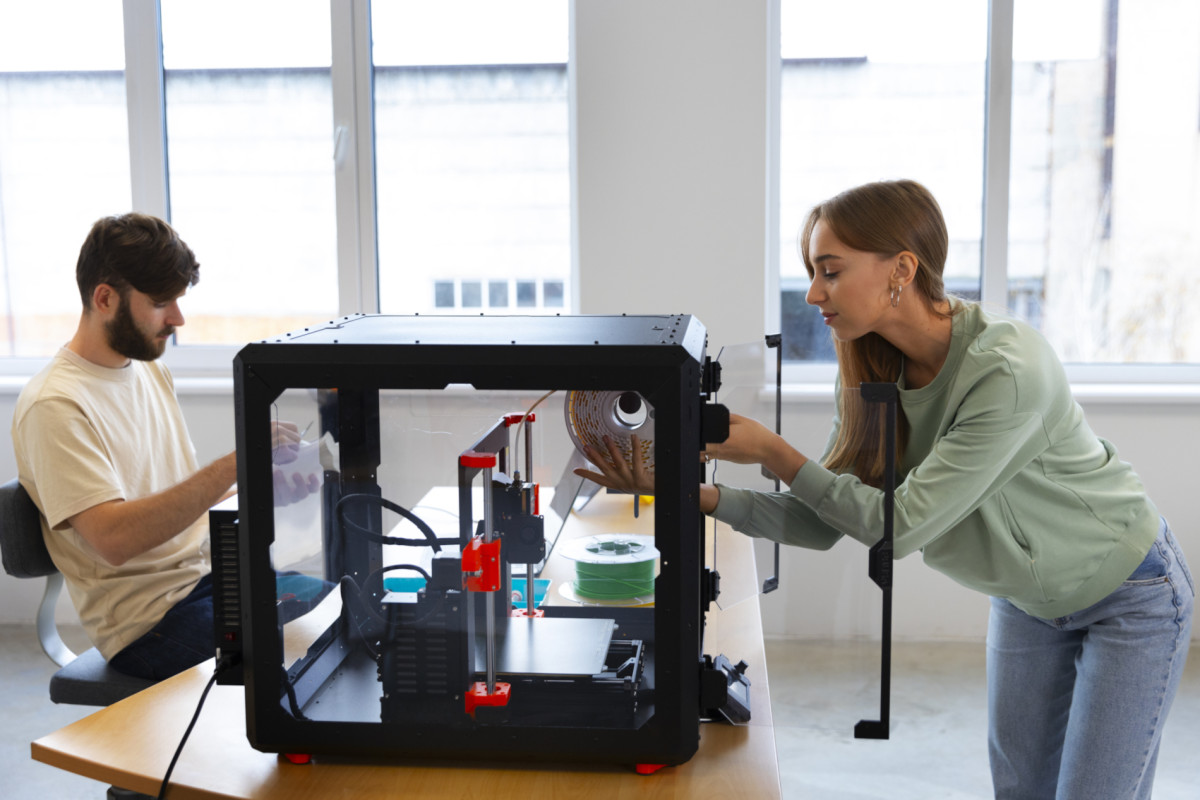
Even a single printer can transform your MakerSpace.
For small libraries:
- Bambu Lab A1 Mini – fast, compact, low-cost
- Bambu Lab P1S – great for higher volume
- Prusa Mini – excellent but slower
I find 3D printers offer the biggest “wow” factor for patrons.
Programming Ideas to Get You Started
Try offering simple workshops to introduce your MakerSpace to the community.
Kids & Families
- LEGO challenges
- Button-making
- Build-your-own bookmark station
- 3D printed keychains
- Sphero maze races
Teens
- 3D modeling basics
- Coding mini-games in Scratch
- Vinyl sticker design
- Anime button art
- Raspberry Pi retro gaming
Adults
- Cricut design workshops
- Sewing 101
- Photo digitization
- “Fix-it Clinic” with community volunteers
- Make-your-own greeting cards
Tips for Running a Makerspace in a Small Library
1. Start with what you have.
You likely already own items that fit maker programming.
2. Build slowly—don’t overspend.
It’s better to grow intentionally than to buy equipment you never use.
3. Provide guided activities at first.
Open play is great, but structured programs build confidence.
4. Make staff comfortable.
Offer internal mini-trainings so everyone feels confident answering questions.
5. Partner with community members.
Local hobbyists love sharing their skills — often for free.
6. Promote your successes.
Share photos, stories, and finished projects on social media. Visibility builds momentum.
How to Fund Your Makerspace
Small libraries can use:
- Friends of the Library donations
- Local businesses (sponsor a printer or robotics kit)
- Grants from state library organizations
- STEM education grants
- Amazon Wish Lists for supplies
- Community fundraising events
Even $100 can kickstart meaningful hands-on programming.
Final Thoughts
A MakerSpace is less about equipment and more about possibility. Small libraries are often the most creative because they’re used to stretching budgets and rethinking space.
By starting small, focusing on community needs, and choosing tools strategically, your library can build a MakerSpace that feels welcoming, inspiring, and uniquely yours.
Leave a Reply